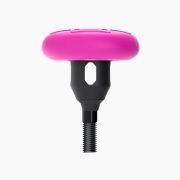
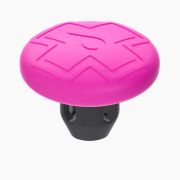
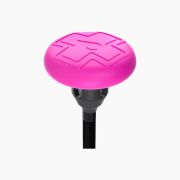
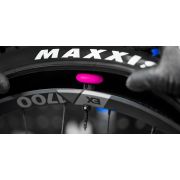
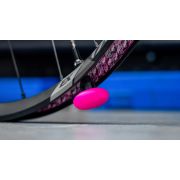
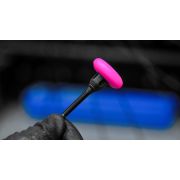
Muc-Off - Valva tubeless 44mm cu suport accesoriu localizare GPS bicicleta Stealth Tubeless Tag Holder
Descriere
- Doesn’t block tracker signal
- No-rattle design holds tracker securely in place
- Optimised to fit with our All-New Tubeless Presta Valves (44-60mm)
- Easy to install
- Optimized to fit with our All-New Tubeless Presta Valves (44-60mm). Will also work with our V1 presta valves
- Sacrificial stem, ensures tracker and rim protection even after a big hit to the wheel
- Durable rubber stem mount body allows air and sealant to flow through freely
- Silicone top cover protects tracker
- Doesn’t block tracker signal
- Supplied with 3 pairs of our rubber valve bases
- No-rattle design holds tracker securely in place
- Weighs 7.5g without AirTag - 18.7g with AirTag
- Designed for use on rear wheel
- Patent Pending
- Tracker not included with mount
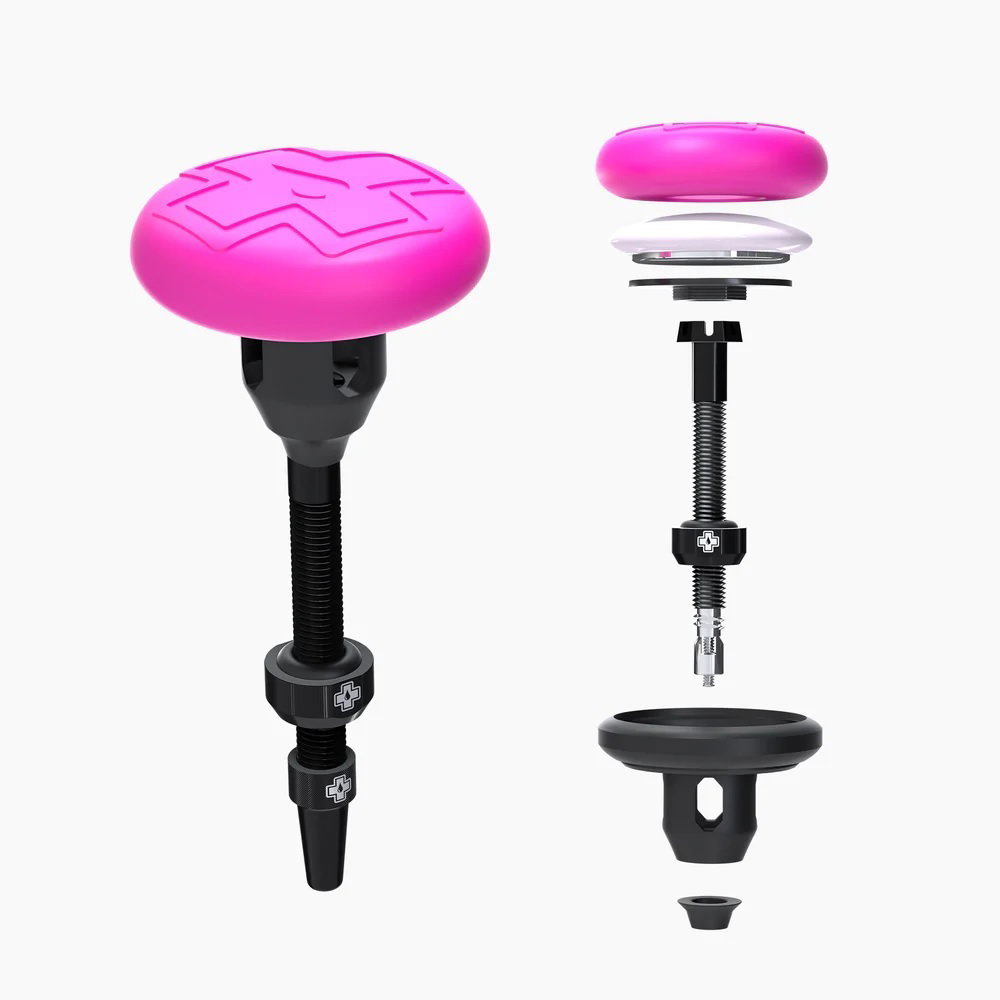
- Remove the Tubeless Tag Holder from the packaging then carefully remove the pink silicone top cap from the black rubber body, followed by the internal plug.
- Ensure the tracker is set up and connected to your iPhone app.
- Take your tubeless valve and remove the valve cap, locking ring and o-ring from the valve stem, then place the tubeless valve down into the hexagonal rubber slot in the black stem mount. Pull the valve through from the valve core side until the base of the valve butts up against the inner base of the mount. (Keep your o-ring and locking ring safe until you fit to your rim).
- Position the internal plug over the hexagonal opening to block off the tracker storage compartment.
- Place the tracker into the top of the plug with the battery cover facing down towards the base of the stem mount. It’s best to push the tracker into place with both thumbs so that the sidewalls of the black rubber body come over the sides of the tracker.
- Then carefully fit the top silicone cover over the assembled tracker and storage compartment by flipping it upside down and stretching the cover over slowly until the entire compartment is covered.
- Finally select the appropriate rubber grommet for your rim type and slide this over the valve stem until the base butts up against the bottom of the tracker mount.
- If using with an existing tubeless set up, deflate your tubeless tyre, pop your tyre off the bead and remove your tubeless valve.
- Clean up the valve hole area on the inside of your rim with a clean microfibre cloth to remove any excess sealant before installing the Tubeless Tag Holder. (You can use our Glue & Sealant Remover for any stubborn sealant that needs to be cleaned off).
- Take your assembled Tubeless Tag Holder with the valve fitted and push the valve stem into the hole in the rim until it is all the way though. Then place the rubber o-ring onto the valve stem and slide it all the way down until it meets the rim.
- Screw the locking ring onto the valve stem and tighten down above the o-ring. This sandwiches between the locking ring and the rim. Push down on the top of the Tubeless Tag Holder inside the rim as you tighten the locking ring and tighten until the locking rick is hand tight and the rubber o-ring squashes out. This way you know you've created a good airtight seal. (TIP - don't overtighten as this can cause leaking. Finish by screwing on your preferred valve cap).
- Re fit your tyre, starting at the tracker stem, mount your tyre and ensure the bead is pushed passed the tracker stem base.
- Use the valve core removal tool (integrated into spare alloy cap) to remove the core and fill with no puncture hassle tubeless sealant and inflate to your tyre manufacturers recommended PSI.
- Job done, go ride!
- MTB tires (XC, Enduro Trail, Downhill, E-MTB).
- Gravel Tires (The narrowest recommended tyre size is 38c wide)
- For road bikes with narrower tires or incompatible wheel types, please use our Secure Tag Holder.
- Stealth Tubeless Tag Holder
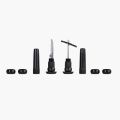
- 3x Rubber Valve Bases
- Apple AirTag
- Tubeless Valves - available to buy together as a tag holder & valve kit or use your own All-New Tubeless Valves (44mm-60mm).
Caracteristici
Recenzii
Nu au fost găsite recenzii
Vezi detalii